 GraniteWave
Game-day energy.
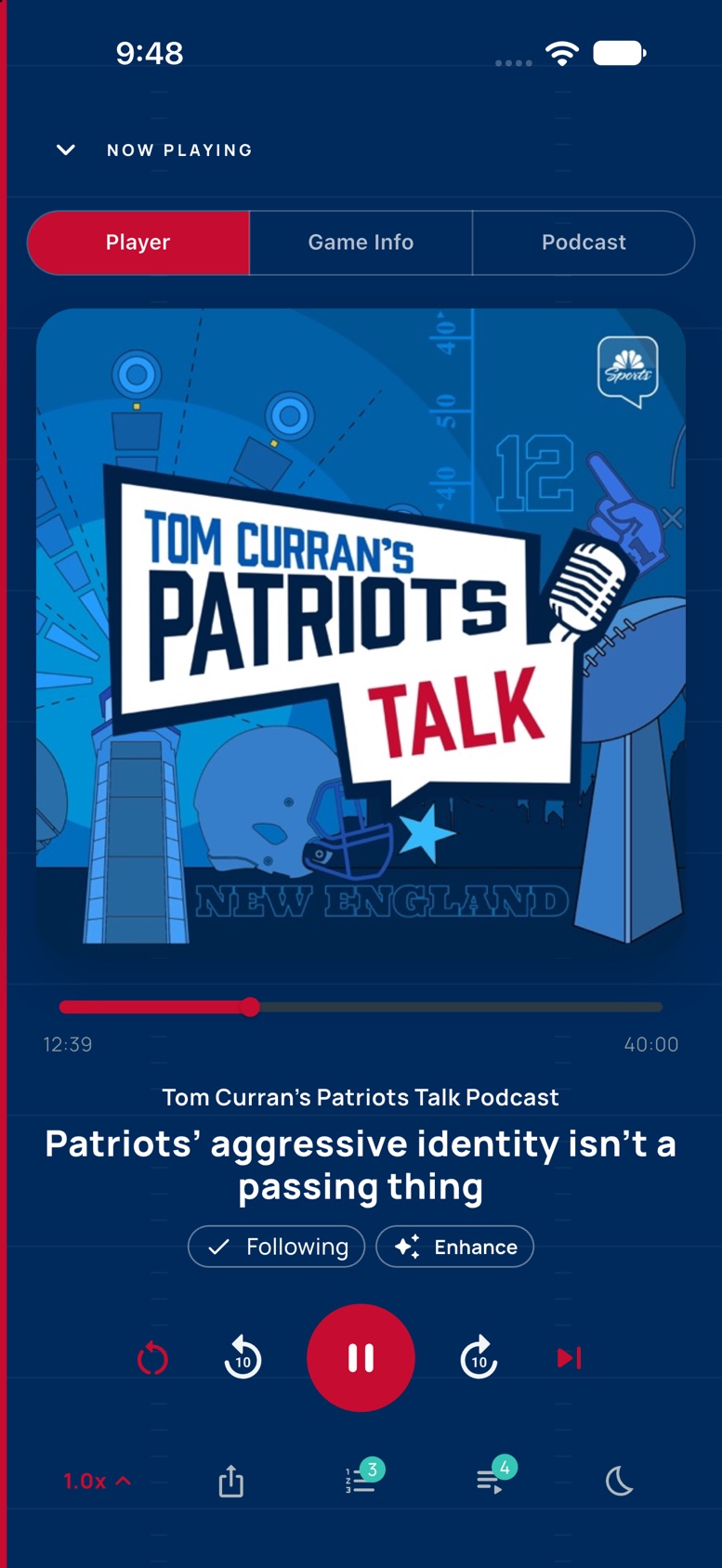
Supported sports shows open in team colors with a player designed for the matchup, plus game information alongside the episode.
Your listening, turned all the way up
GraniteWave gives every show room to shine—with a living library, a queue that stays organized, searchable transcripts, and sports experiences that feel built for game day.
Listen on the web today. Native iPhone and iPad release in preparation.
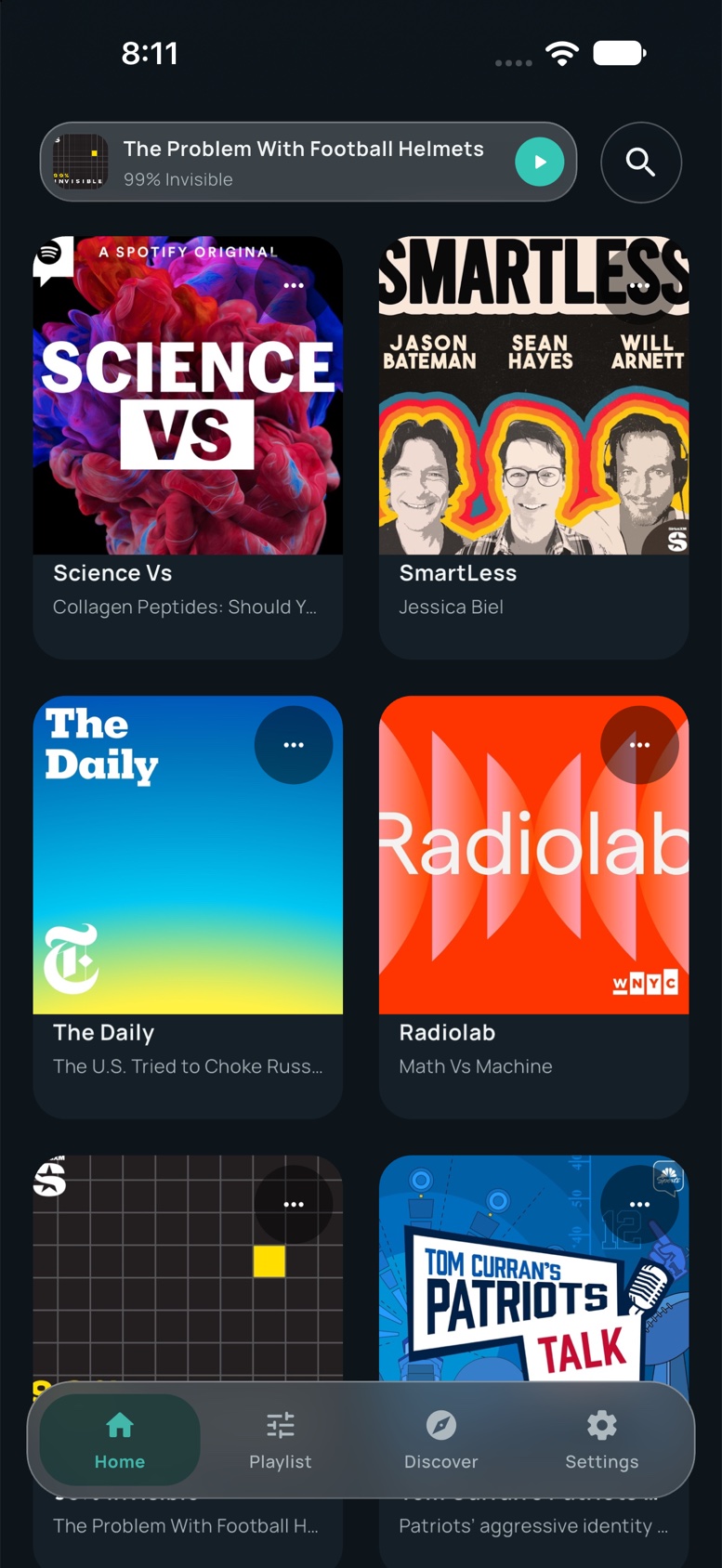
Every show feels at home.01 / Library
More than play and pause
Supported sports shows open in team colors with a player designed for the matchup, plus game information alongside the episode.
Read speaker-by-speaker transcripts, search the conversation, and return to the moments that matter.
Explore curated rails, search the podcast directory, or follow any show by RSS and bring it straight into your library.
Queue episodes, track progress, download for later, and keep your listening organized across sessions.
Made for the final whistle
When a supported team show starts playing, GraniteWave can shift into a team-inspired experience. Move between the player, game information, and the podcast without leaving the moment.
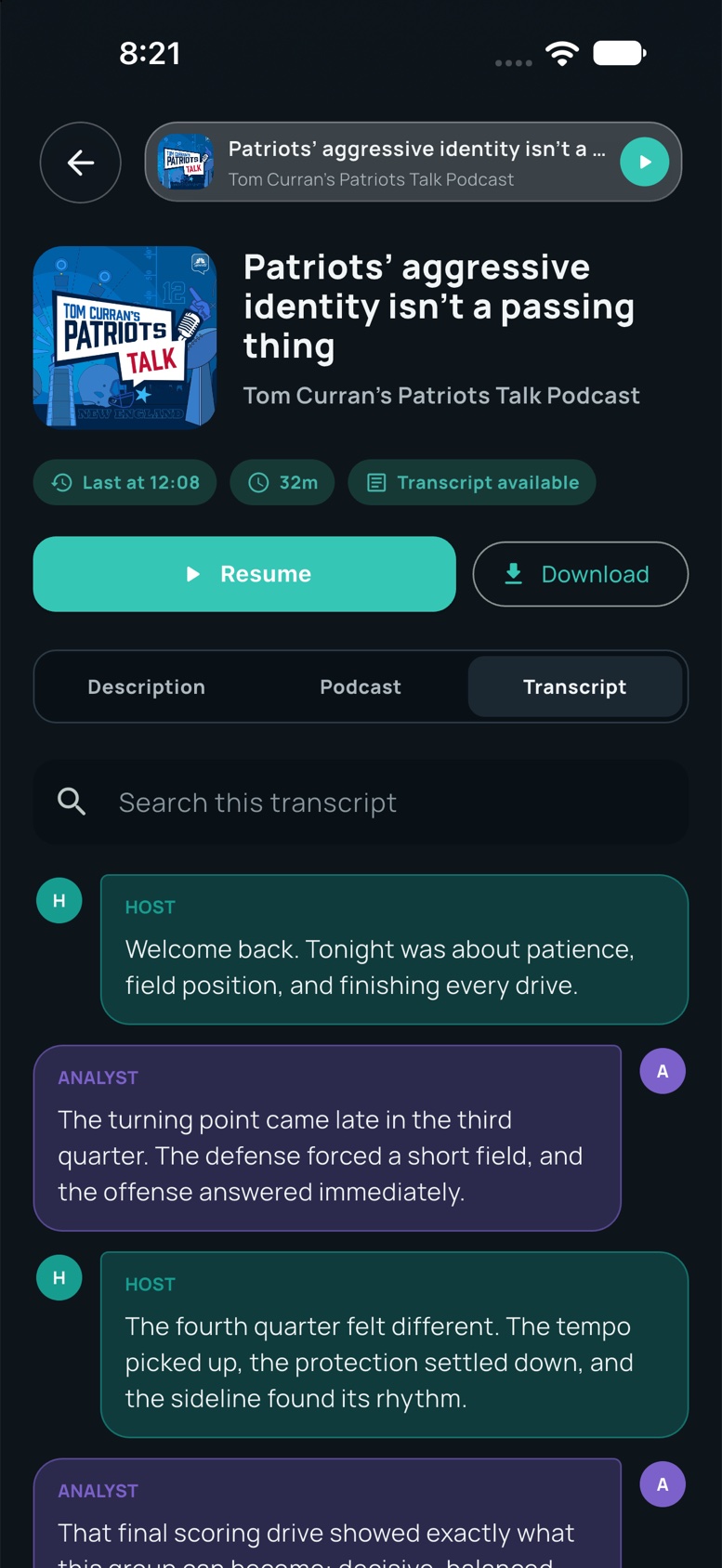
Follow every voice
Scan a full episode transcript, see who said what, and search for the exact topic you remember. It is a faster way to revisit a quote, a play, or the point everyone was talking about.
A look inside
Find something new, line up what comes next, and keep the shows you love within reach.
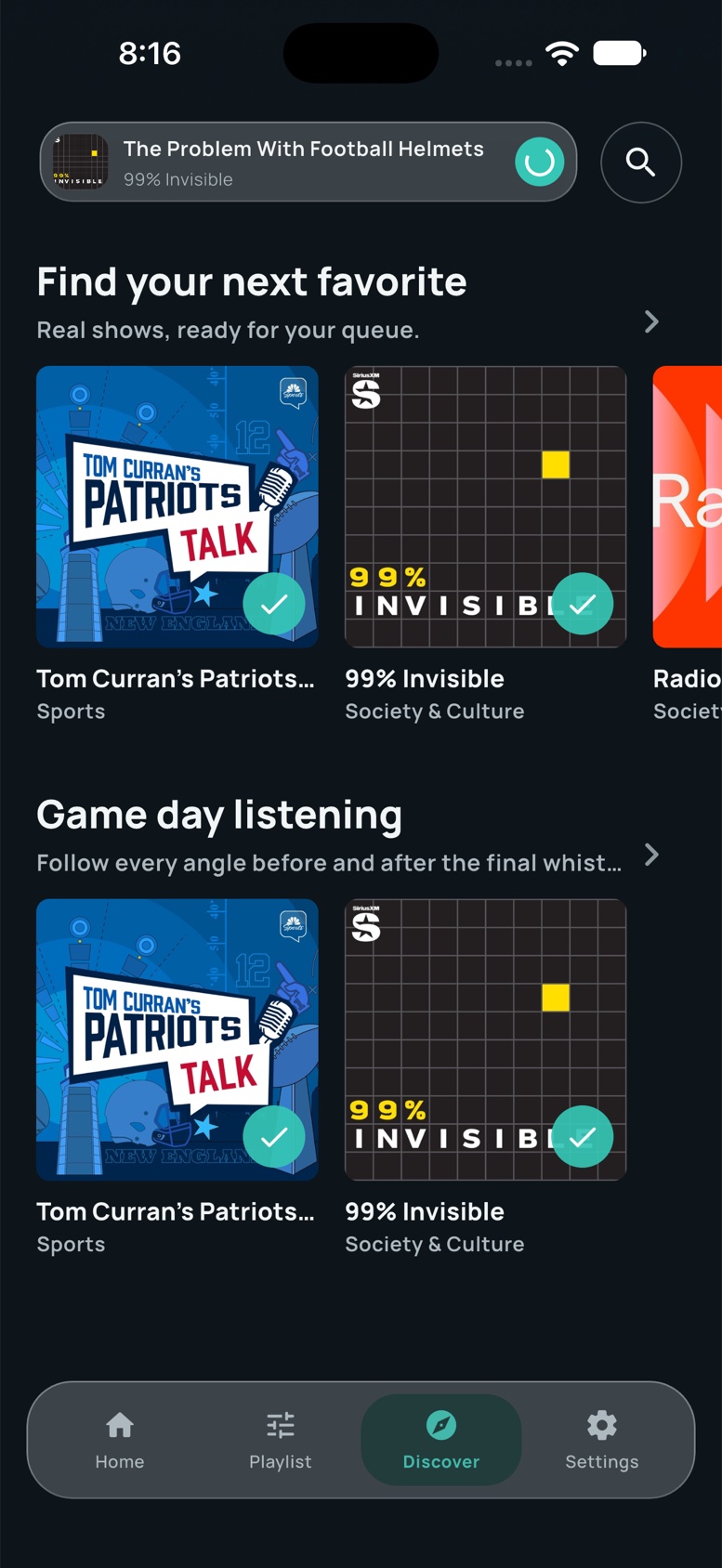
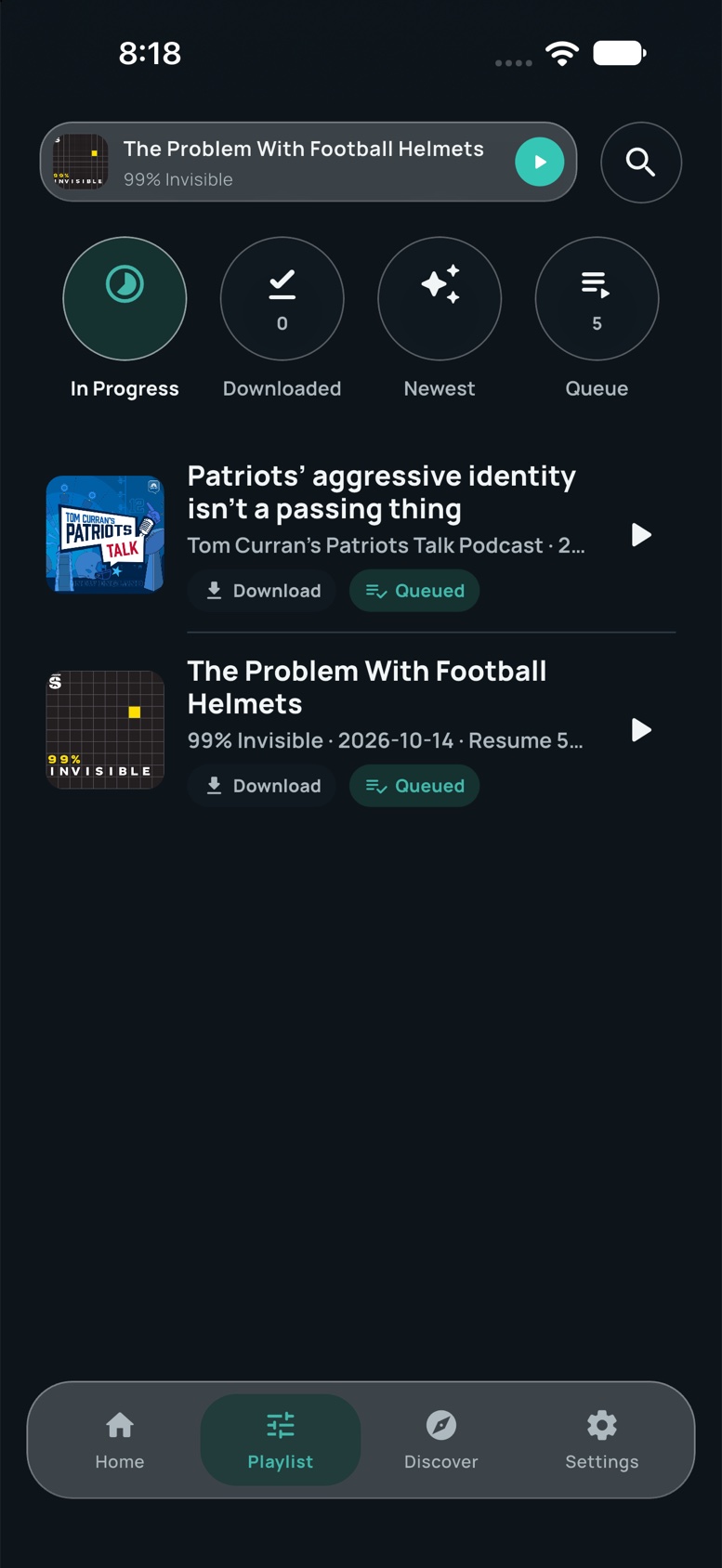
Podcast artwork and titles belong to their respective publishers and are displayed from public listings. Transcript text and listening activity shown here are preview content from a local demo account.
Built for everyday listening
Your library starts here
Open GraniteWave on the web and follow your first show.
Good to know
The native universal app is being prepared for Apple review. You can use GraniteWave in your browser today, and this page will link to the App Store listing when it is available.
GraniteWave recognizes a growing set of NFL, NHL, MLB, NBA, and Formula 1 shows. Supported podcasts can open in a themed player with relevant game information when available.
Yes. In the native app, save episodes for later and play them without a connection.
Yes. Use Add podcast and paste the feed URL. Playback and episode availability depend on the publisher’s feed and audio host.
Open Settings, choose Delete account, enter your current password, and confirm. See account deletion help for instructions.